
Supply & withdraw
Supply an asset to a NAVI lending market to earn variable interest. Withdraw it to the same wallet when you need it.
Before you start
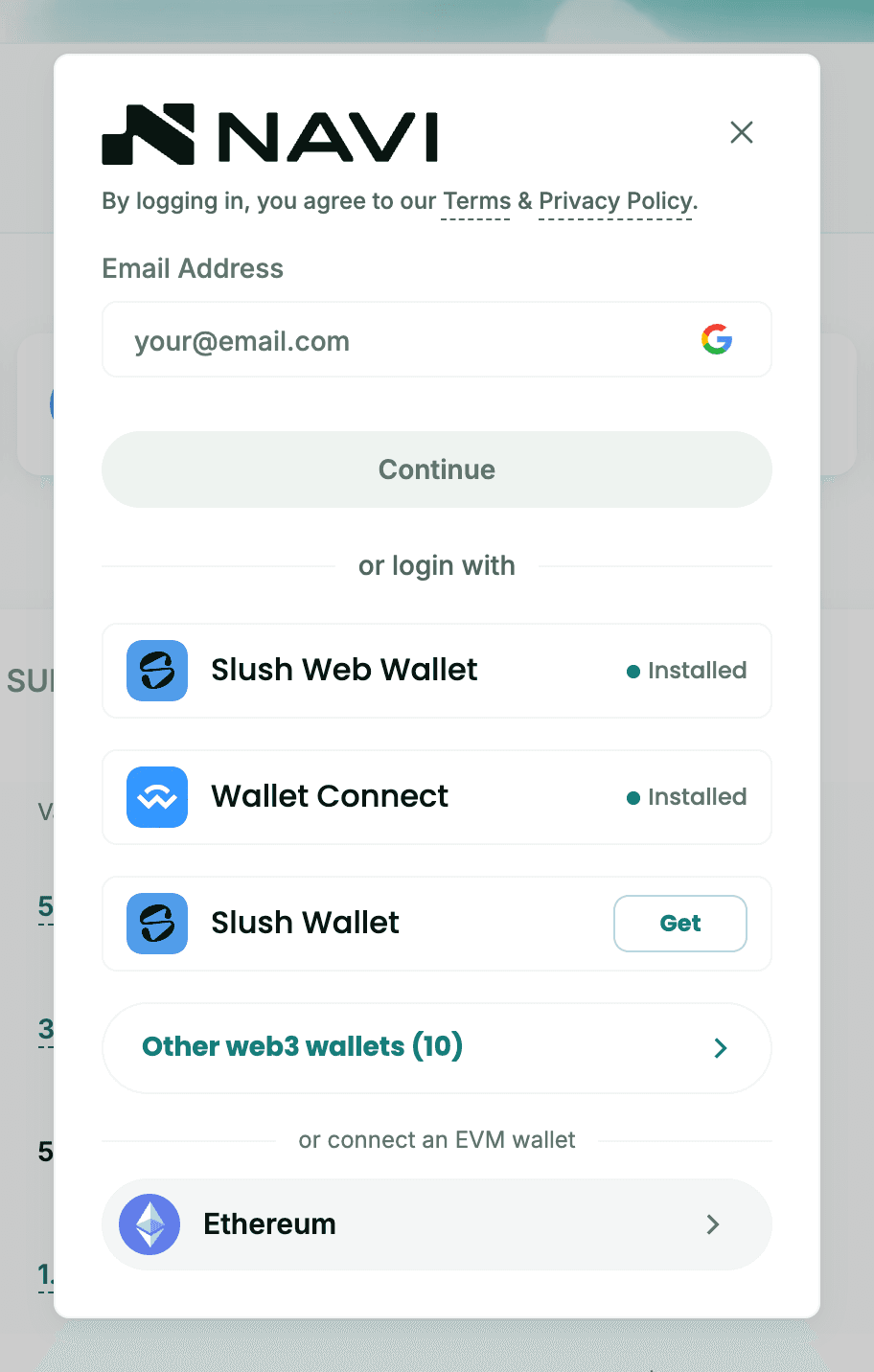
Open the Borrow market and select Log In. Use the wallet that holds the asset you want to supply. Keep some SUI available for transaction fees. Set up a wallet and get SUI.
Supply an asset
Choose a market
Find the token in supported assets and check whether it can back a loan. In the market details, compare your deposit with the remaining capacity. The supply cap is shared by everyone supplying that asset. If only 20 tokens of capacity remain, a deposit of 30 will exceed the cap.
Review and confirm
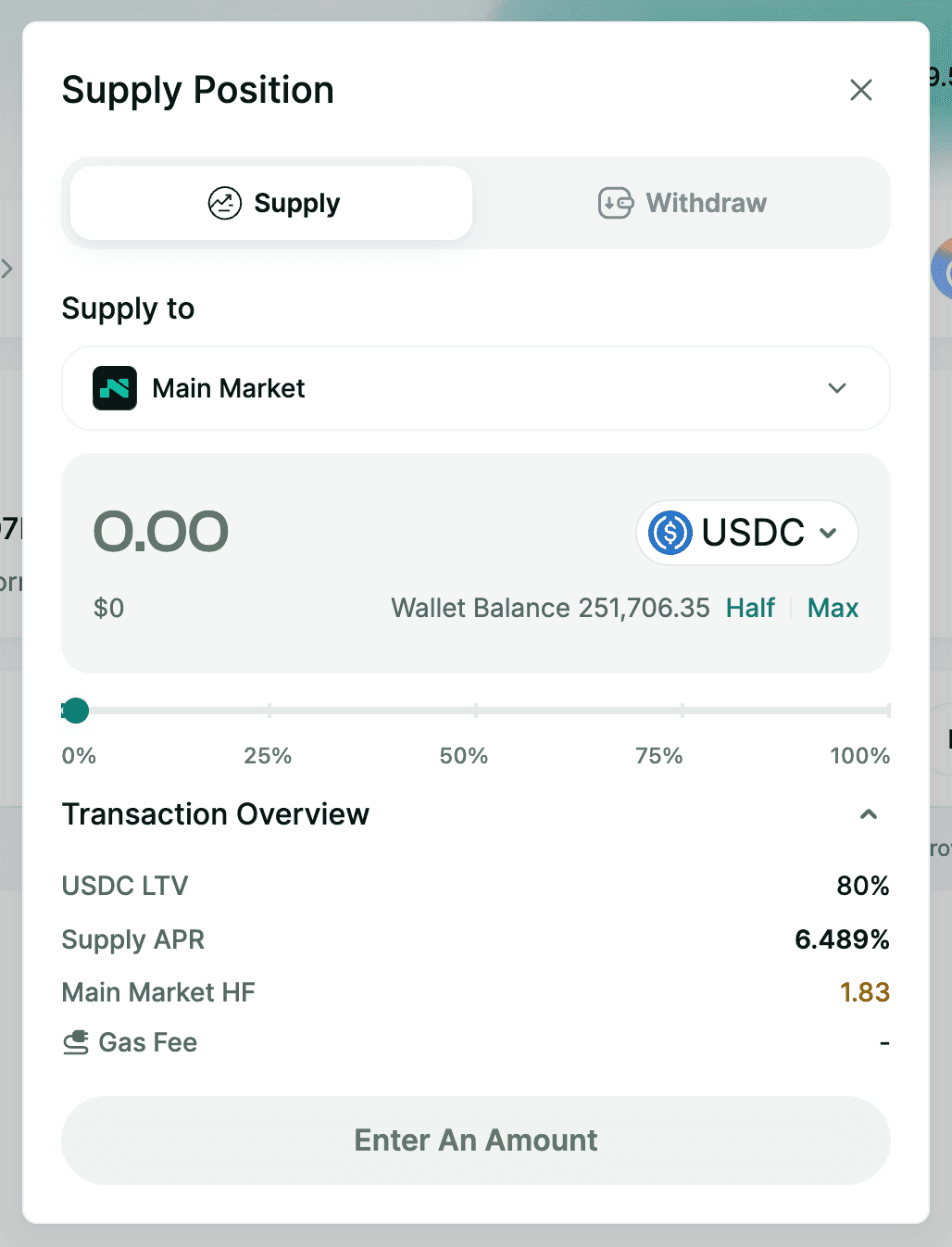
Select Supply, check the destination and enter an amount. Review the projected Health Factor if you already have a loan. Confirm the transaction in your wallet.
Verify the deposit
After the transaction settles, open Your Supplies. Check that the asset appears and that its supplied balance has increased. This balance accrues interest as the market rate changes.
Withdraw to your wallet
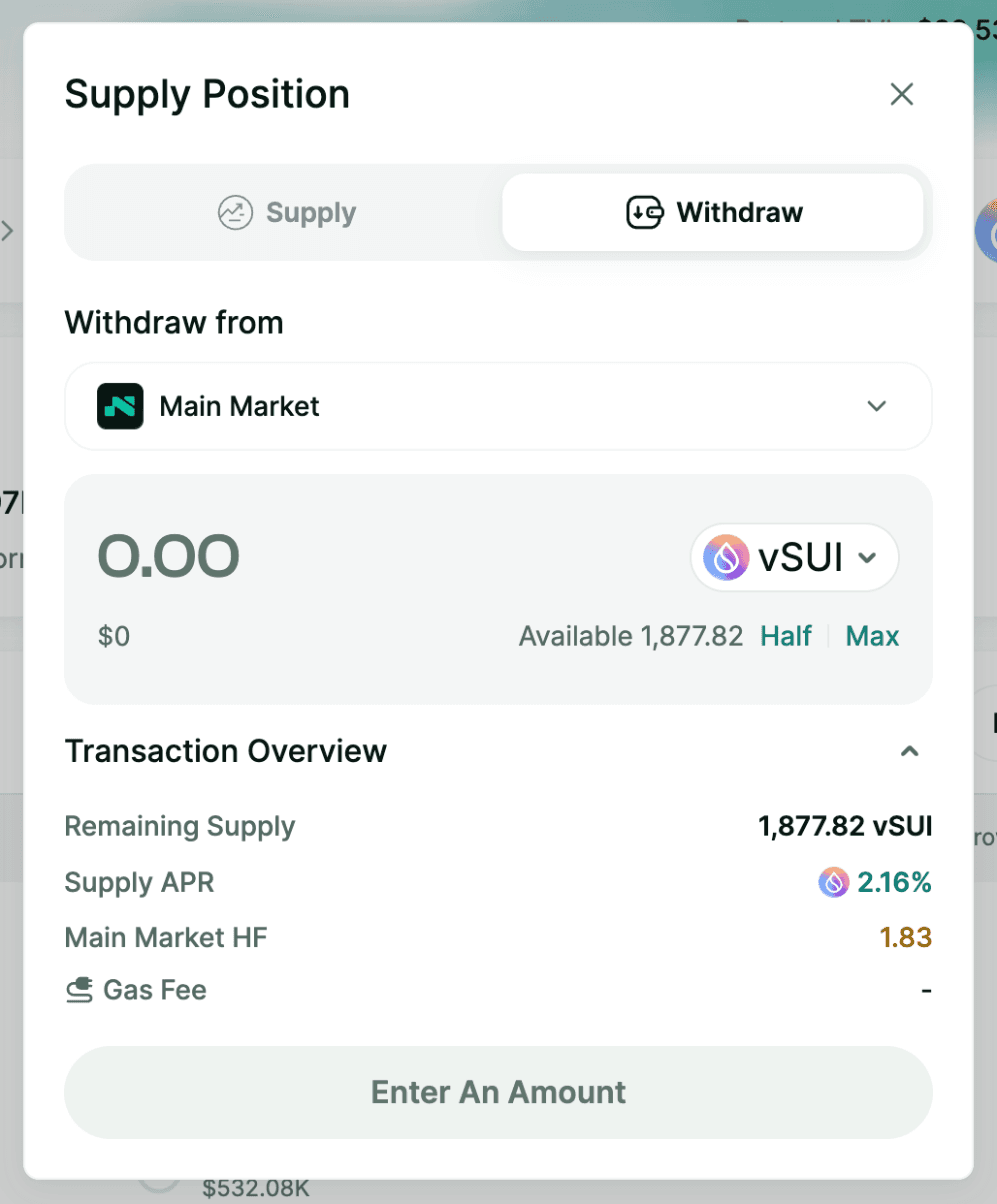
- Open the asset in Your Supplies and choose Withdraw.
- Enter an amount. If the asset backs a loan, withdrawing it reduces your collateral. Check the projected Health Factor. If the withdrawal would leave too little collateral, reduce the amount or repay part of the debt first.
- Confirm in your wallet. After settlement, check both the reduced balance in Your Supplies and the returned tokens in your wallet.
Common questions
Your withdrawal includes accrued lending interest. Open the asset details to see historical rates. Eligible token incentives are claimed separately from Portfolio. See the interest rate model.
NAVI charges no market supply fee. Sui gas applies to transactions and can outweigh the interest on a small deposit.
To borrow against eligible collateral, continue to Borrow & repay. To put funds into a curated strategy, compare Earn vaults.