
Create an E-Mode position
Borrow against correlated collateral in an eligible pair and check the position separately from your main market.
Choose a pair
Open Borrow and find E-Mode Pairs. Match the collateral you hold to the asset you want to borrow. Reversing them can change both the maximum LTV and the liquidation threshold. Check the available pairs below.
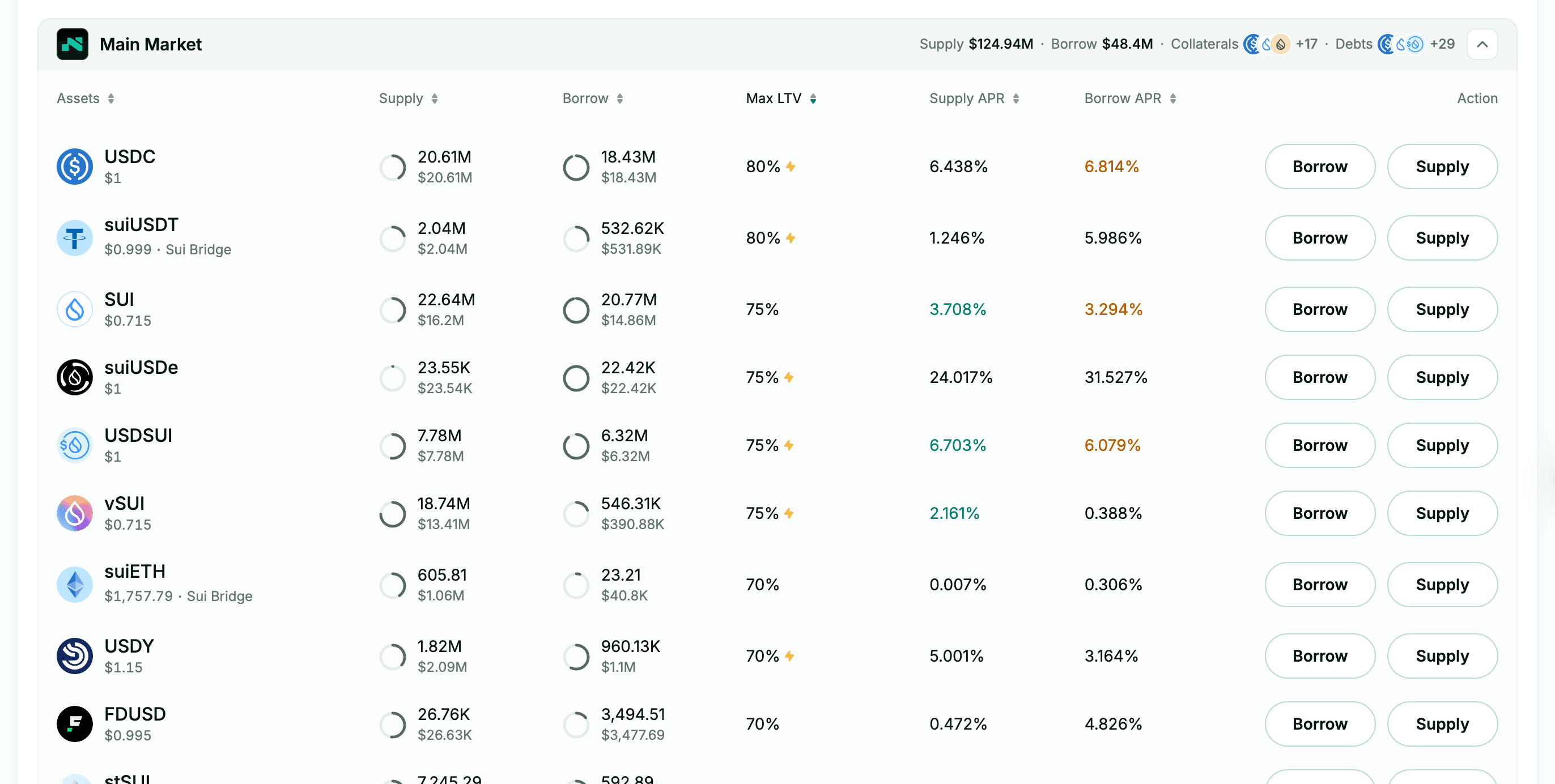
Enable the position
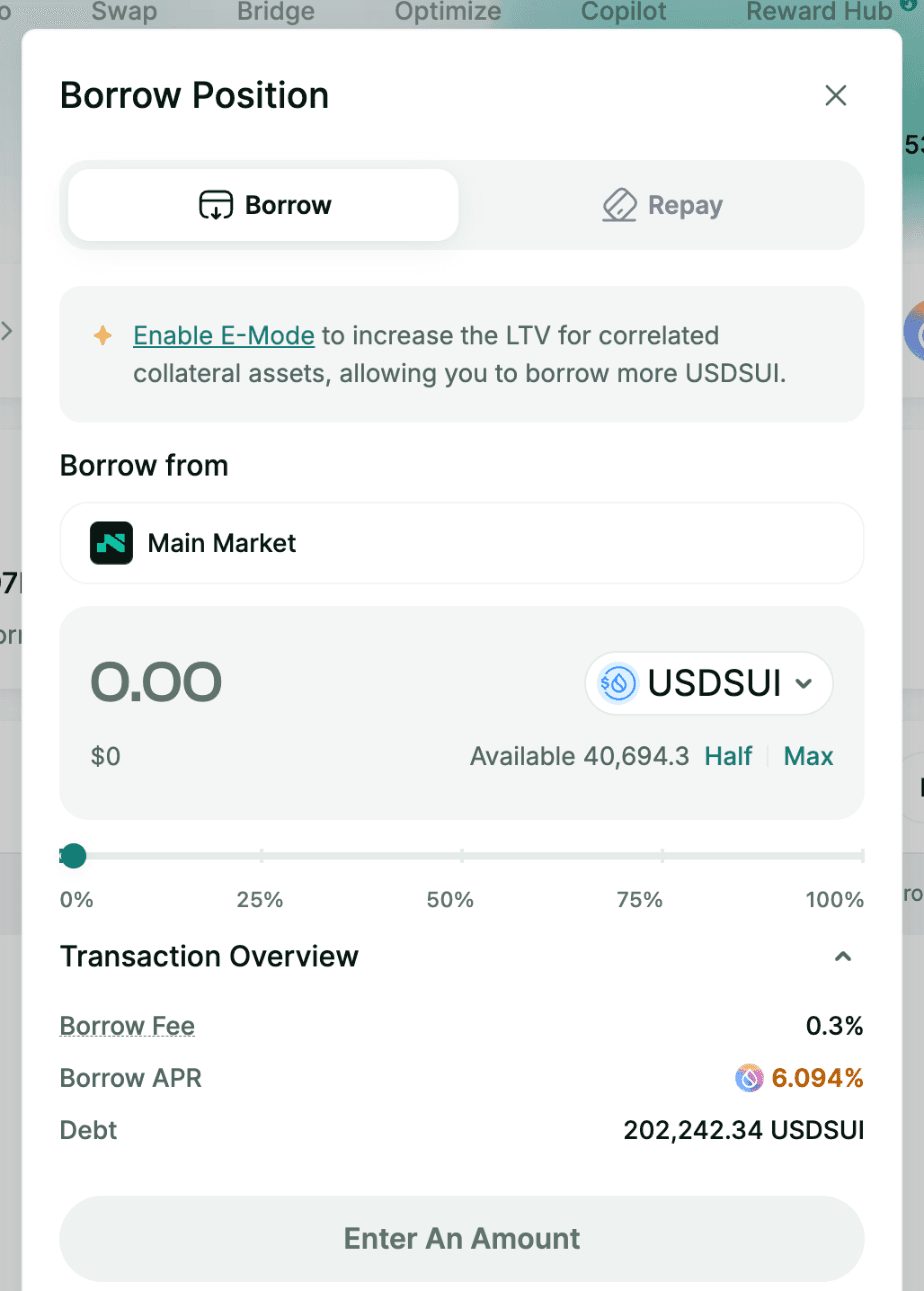
- Select the eligible pair. Use Enable E-Mode when the borrowing dialog offers it.
- Choose the collateral source and amount. If you move existing collateral, review the effect on the original position’s Health Factor.
- Review the resulting LTV and debt, then confirm the transaction in your wallet. Check the E-Mode position separately from your main market.
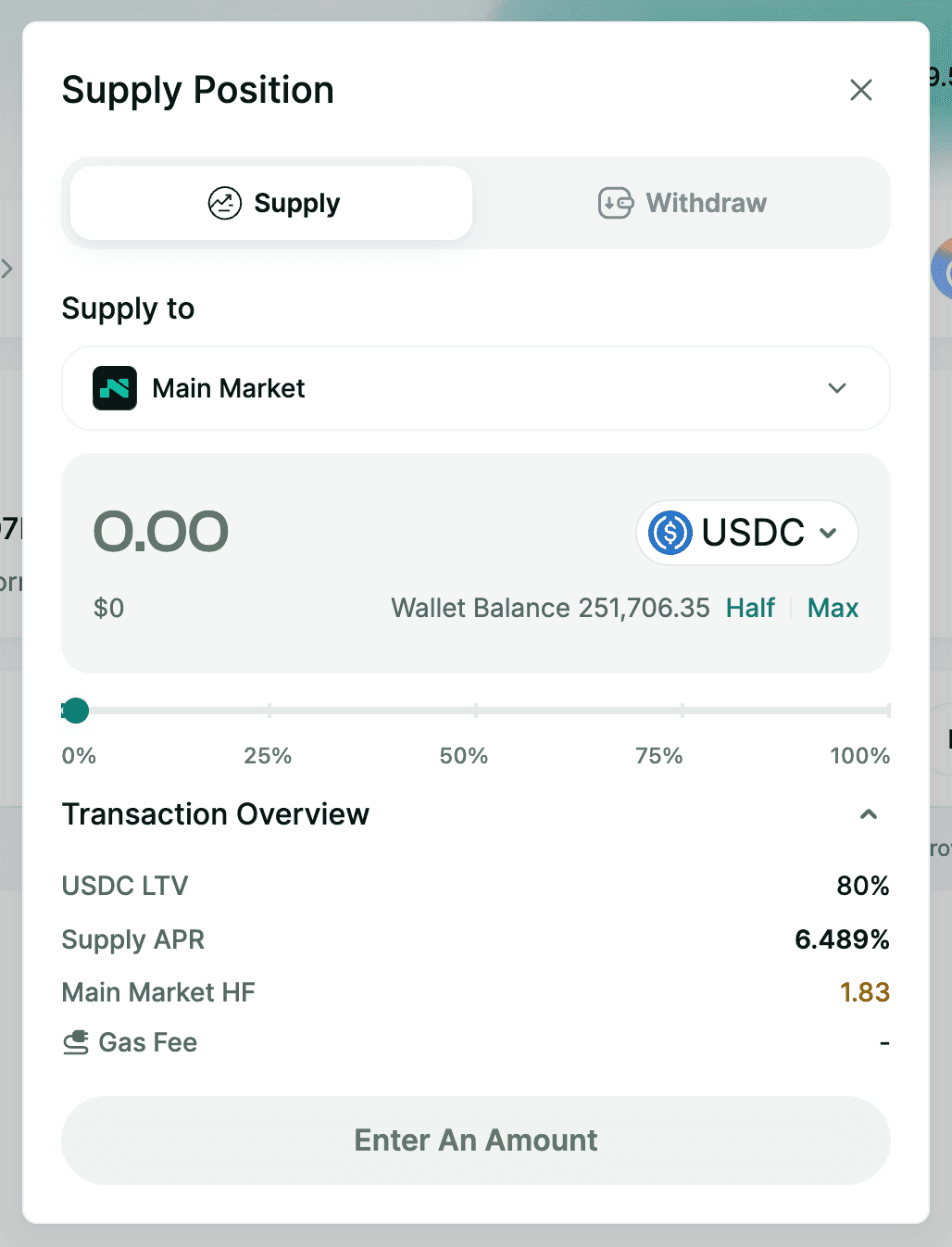
Supply to an E-Mode pair
In the Supply dialog, check the Supply to destination before confirming. Choose the eligible E-Mode position if it appears. Verify the collateral was credited to the intended pair.
Managing pairs
You can activate multiple eligible pairs. Each holds its own collateral and debt.
Liquidation risk
Check the Health Factor for this pair. To improve it, repay this pair’s debt or supply collateral to this pair. Adding collateral to the main market leaves the pair’s balance unchanged.
Available pairs
Search either asset in the live table. Read each row from Collateral to Borrow, then confirm the same direction and limits in the app.