
Swap
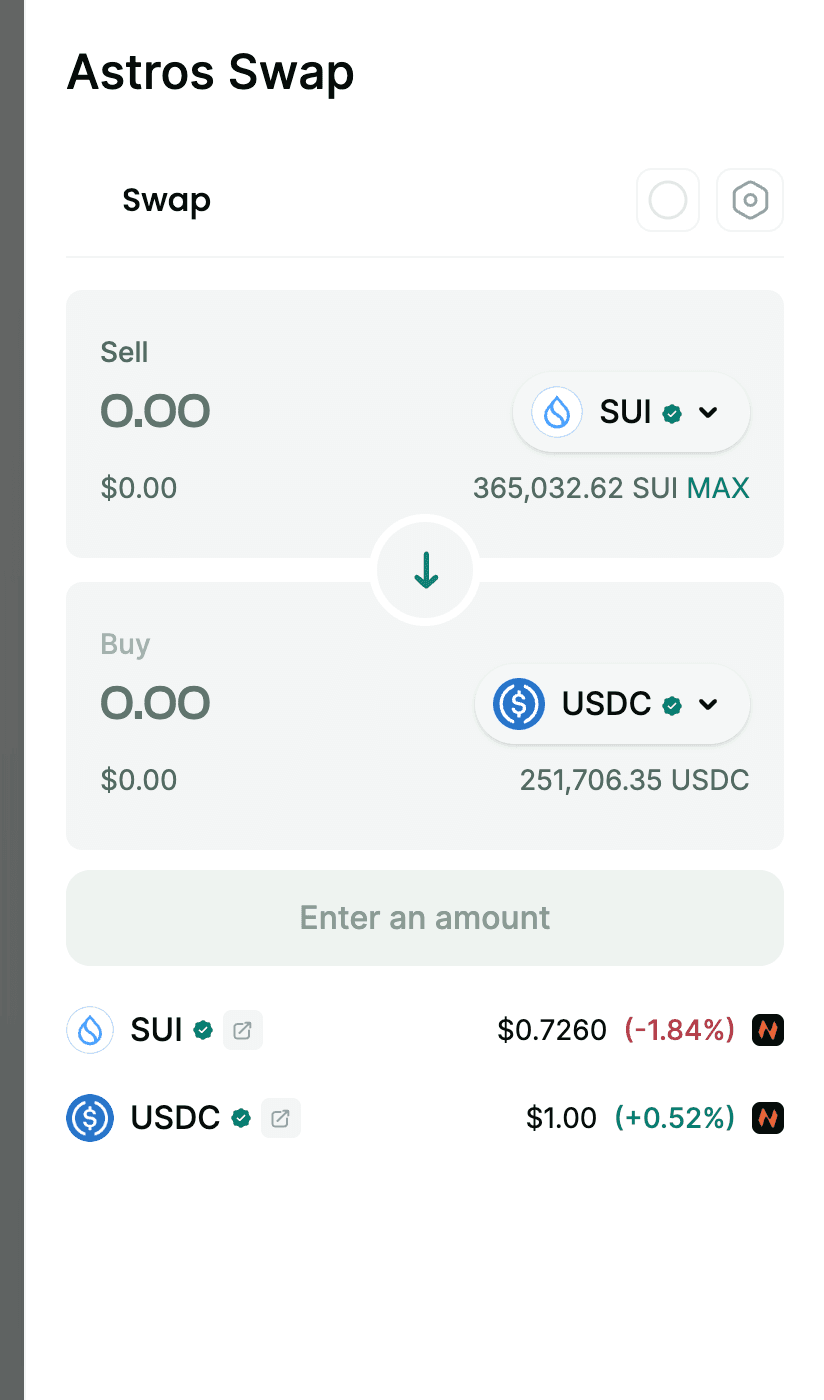
Compare a quote, review the minimum received and confirm a token swap in the NAVI app.
The Swap feature lets you easily exchange one token for another inside NAVI.
Integrated with Astros, it automatically finds the best prices across multiple liquidity sources, so you can trade quickly and efficiently without managing the process manually.
How to Swap
- Click “Swap” in the navigation menu.
- Select the token you want to swap from and the token you want to receive.
- Enter the amount and review the swap details.
- Click “Confirm” to submit the transaction.
What is Astros?
Astros routes swaps across decentralized exchanges in the NAVI ecosystem.
Key Features
- High-Performance Trading: Astros offers fast, low-latency execution powered by optimized smart contracts and routing algorithms — designed to remain efficient even during peak market activity.
- Order Splitting: Large trades are automatically split across multiple liquidity pools to secure better pricing and reduce slippage.
- Multi-Hop Trading: Astros identifies optimal multi-hop paths across pools to improve execution price and capital efficiency.
- Security and Reliability: Built with multi-layered protections to ensure secure transactions and stable trade execution.
Is there a fee charged?
No. Astros charges no fees for swapping tokens, providing users with a cost-effective and seamless trading experience.
Supported Exchanges
Currently, Astros supports multiple DEXs, including Cetus, Turbos, Bluefin, Aftermath and more. We are actively expanding integrations with more exchanges and working toward future integration with NAVI Protocol, aiming to provide users with an unmatched trading experience.
SDK for Developers
To integrate Astros swaps into an application, use the Astros SDK.