High Yield Vault
Deposit into a High Yield lending vault on Sui or Ethereum and follow the exit process for your network.
Choose the network
Select High Yield on NAVI Earn. USDC High Yield has entries on both Sui and Ethereum. Check the network and the Liquidity column before opening a row. SUI High Yield uses Sui.
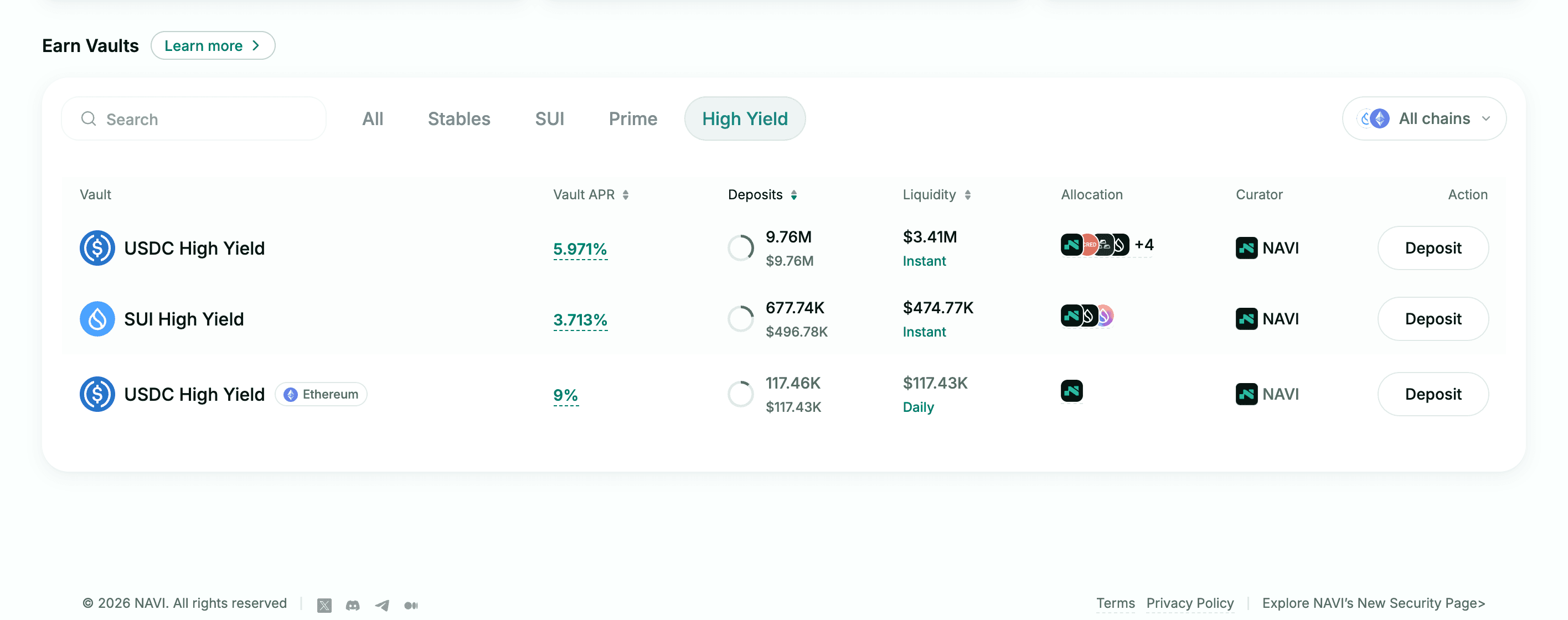
Use a lending vault on Sui
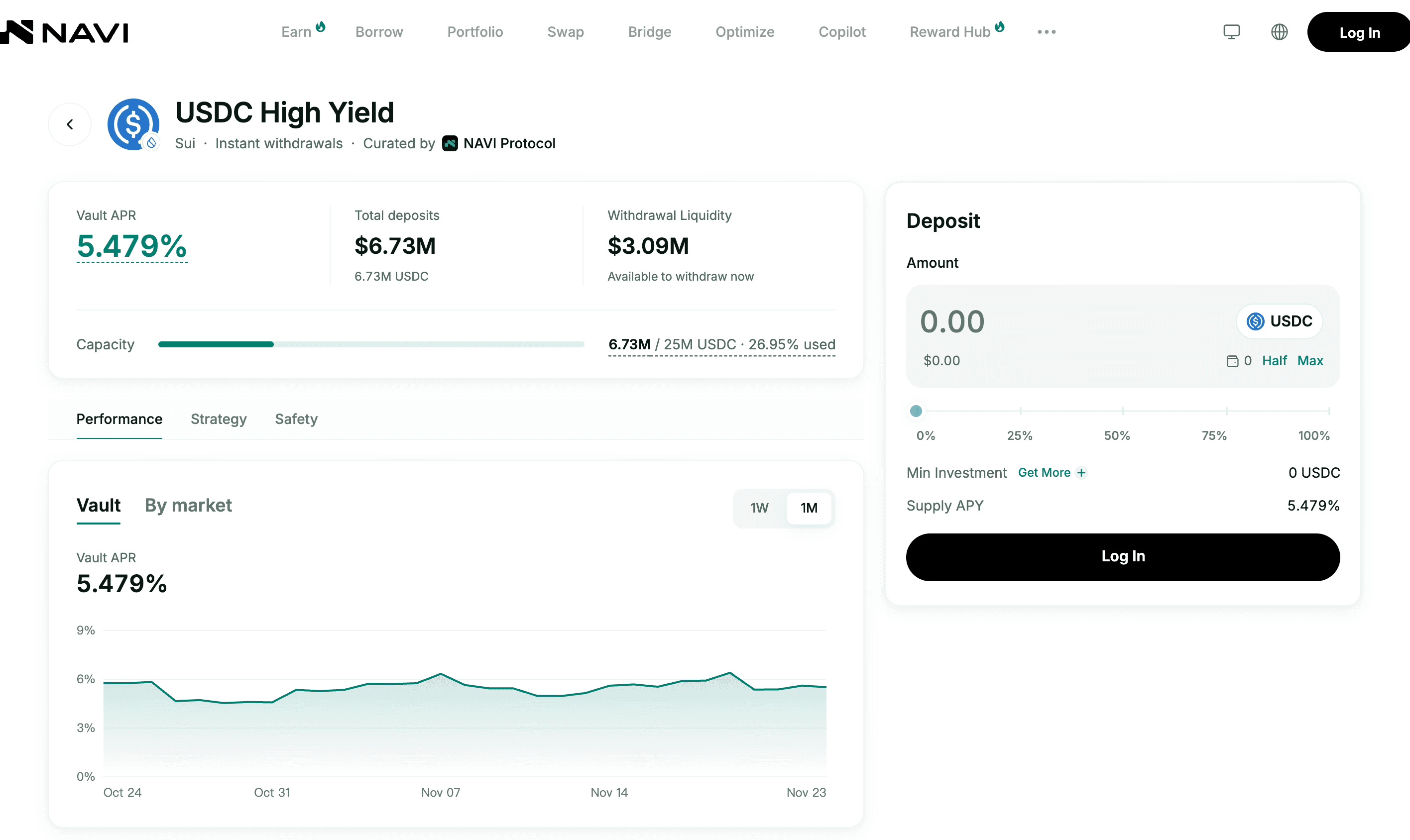
- Review the markets. Open Strategy to see how deposits are split across Main and Isolated markets. Under Performance, check how much APR comes from lending and how much comes from incentives. Reserve utilization helps explain changes in lending income.
- Deposit. Connect your Sui wallet, enter the amount of USDC or SUI in the deposit panel, and confirm. Check Your Position on the vault after the transaction settles.
- Withdraw. Select Withdraw and check Withdrawal Liquidity. If less is available than your position balance, you can withdraw the available amount or try again later. Confirm and check your wallet for the returned asset.
Use the USDC vault on Ethereum
- Open the USDC High Yield row marked Ethereum and connect the Ethereum wallet holding your USDC. Keep ETH available for gas.
- Enter a deposit amount, approve the USDC allowance if prompted, and submit the request. Check the next daily settlement time to see when the deposit starts earning.
- To exit, submit a withdrawal request from the same wallet. After settlement, select Claim when the proceeds appear under Ready to claim to receive USDC in your wallet.
If you chose Multiply
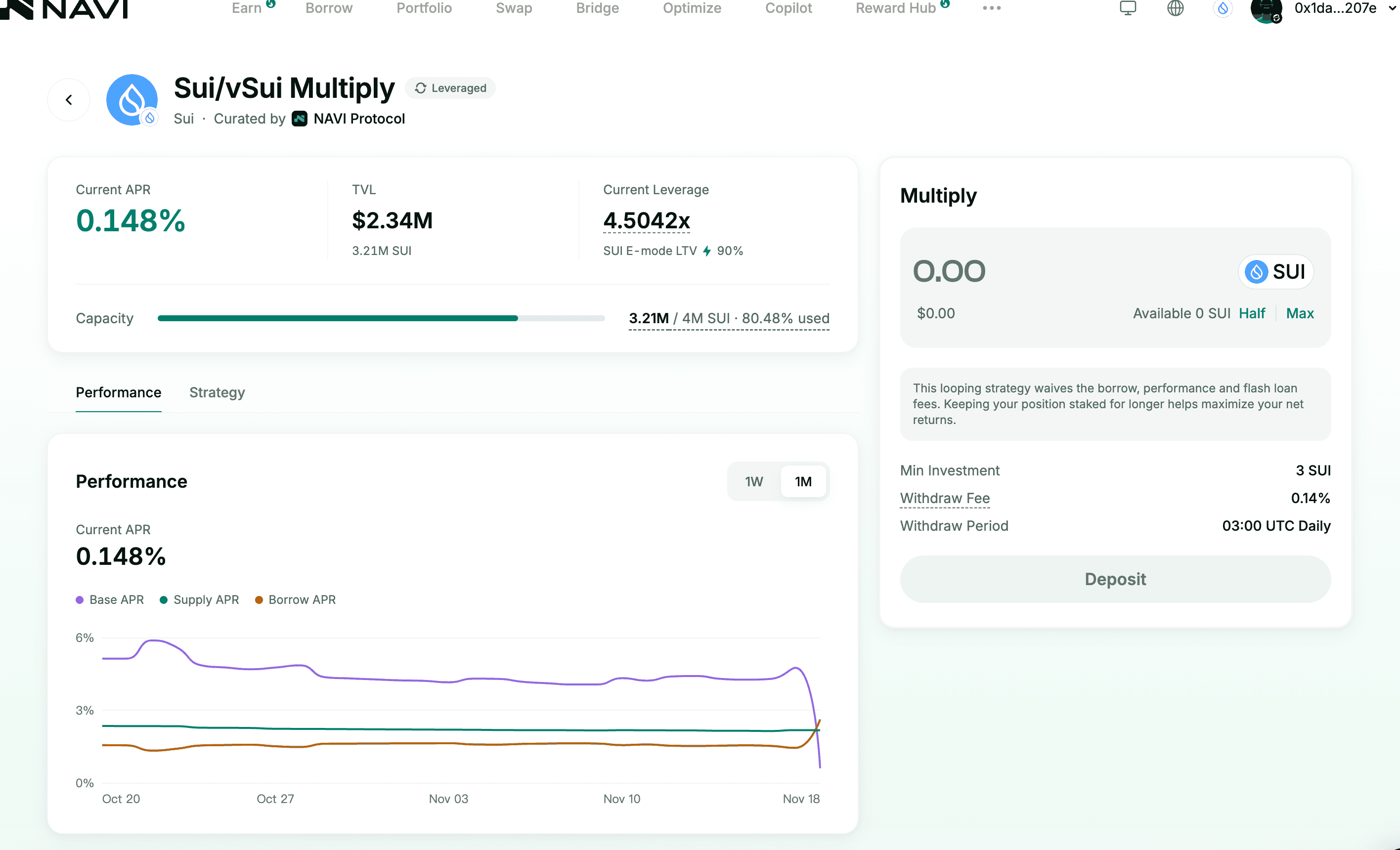
The Leveraged badge on Sui/vSui Multiply identifies a separate Earn strategy. It supplies collateral, borrows against it and supplies again. Borrowing costs can erode the yield, and leverage increases losses if the collateral falls against the debt asset.
Open the strategy to check Current Leverage, capacity and the withdrawal period before depositing SUI. To exit, choose Withdraw and review the estimated amount after fees. The strategy unwinds the loop and repays the debt as part of the scheduled withdrawal.